Timeline for what is next
See upcoming repeats, expiries, renewals, and occasions in a calm time-flow view that answers when something is happening.
 When
WhenWhen: Then & Next
When is a simple iOS app for remembering when things happened, when they need to happen again, when something expires, and when important dates are coming up.
When is not a calendar, task manager, or habit tracker. It is a focused place for date memory.
For the dates life hides
When gives important dates enough structure to be useful without turning them into chores.
See upcoming repeats, expiries, renewals, and occasions in a calm time-flow view that answers when something is happening.
Remember when you last did the everyday things that are easy to forget, even when they do not need a schedule.
Keep passports, insurance, birthdays, filters, appointments, and personal dates in one focused place.
Keep important dates visible on your Home Screen and add reminders only where they help.
Attach context to important dates and build a useful record when something happens again.
When is built around personal dates, local device storage, Apple notifications, and optional iCloud sync.
Useful for
Screens
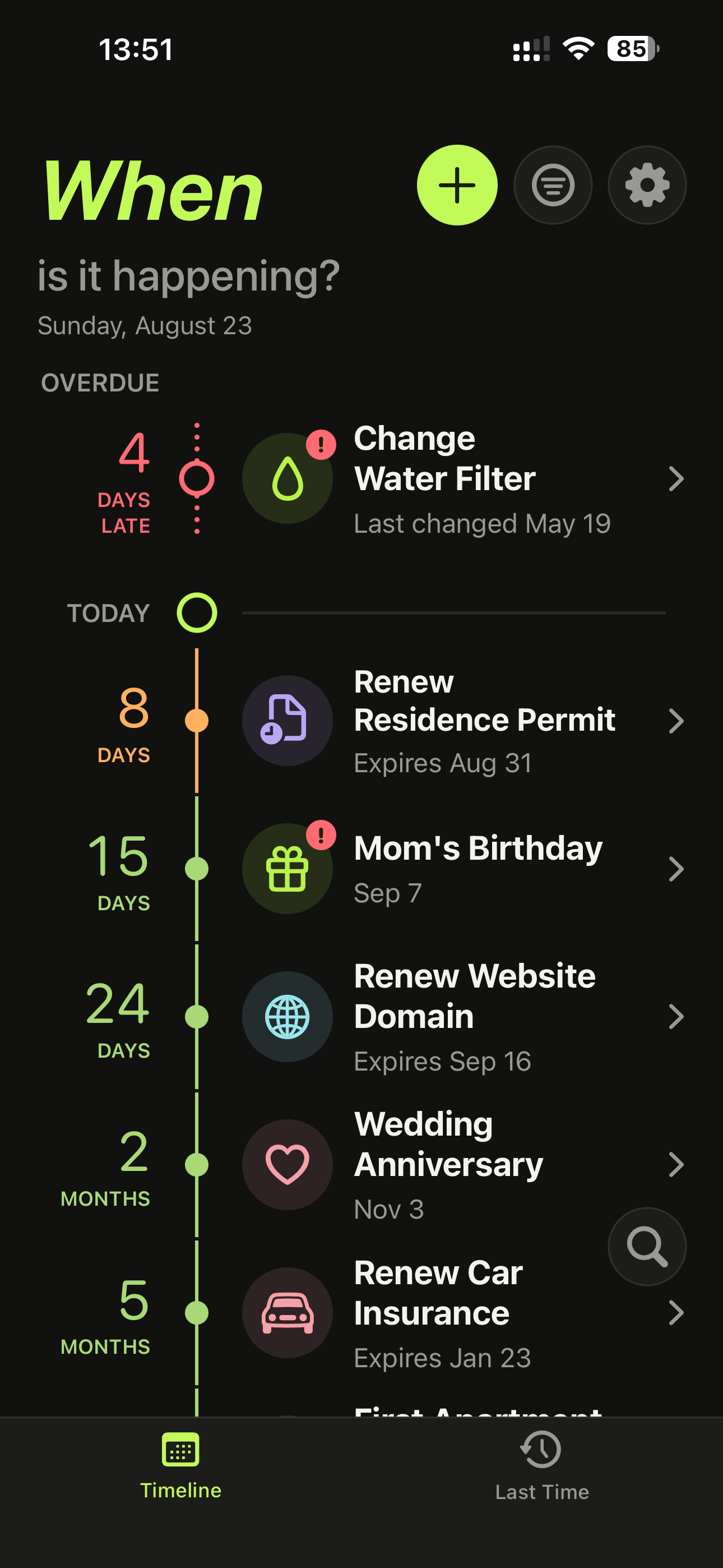
The app keeps time as the main object: what needs attention, what is coming up, what happened last, and the detail behind each date.
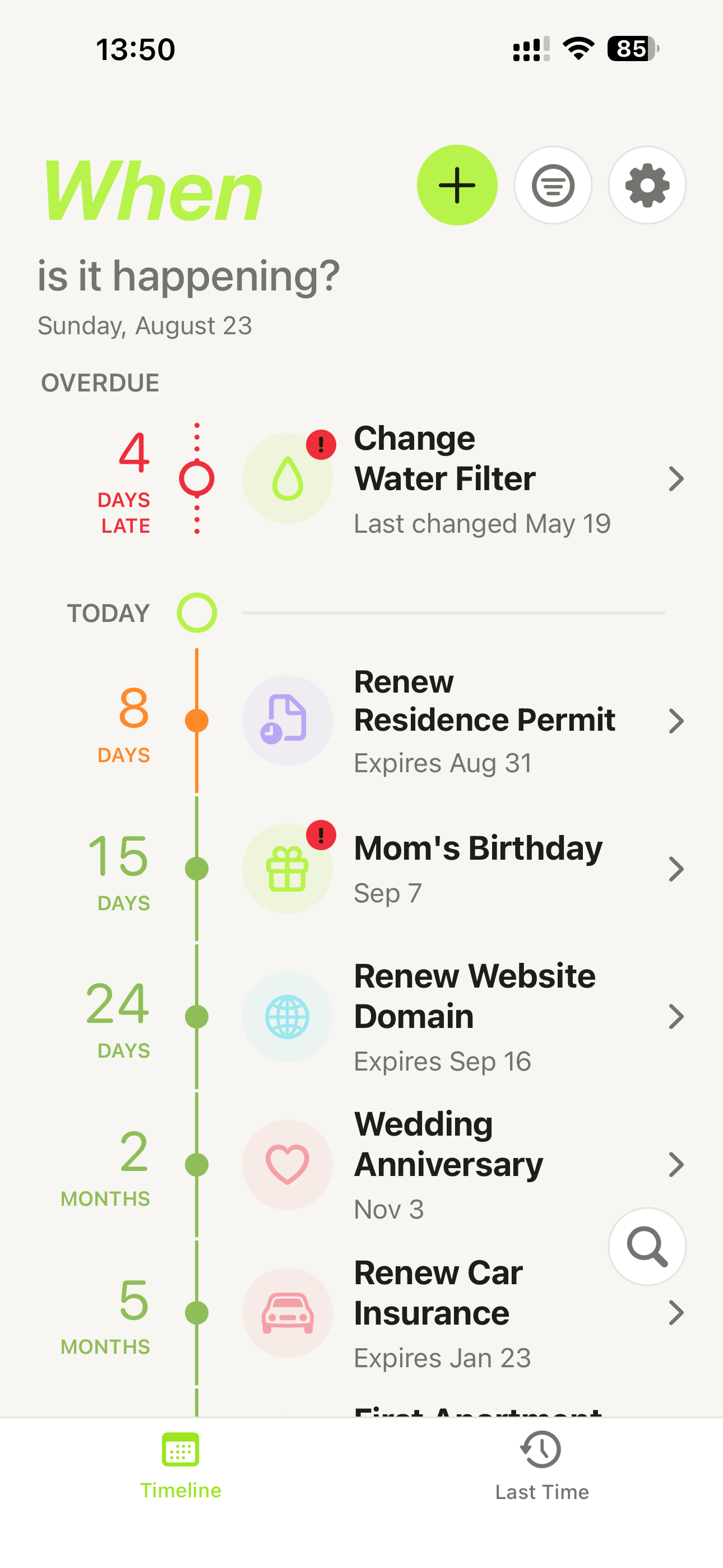
Overdue, today, and upcoming dates sit on one readable flow of time.
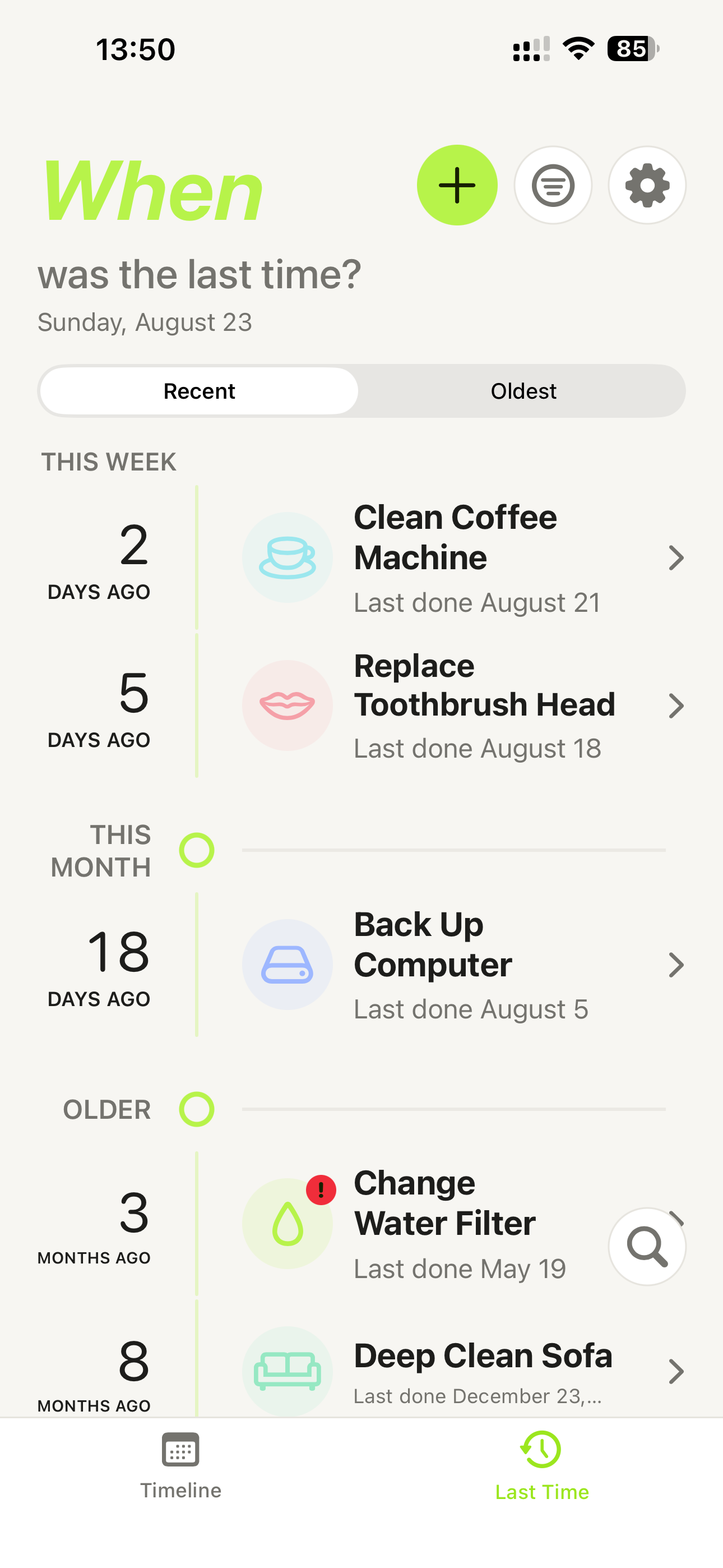
Recent and older repeat items stay findable without needing a rigid schedule.
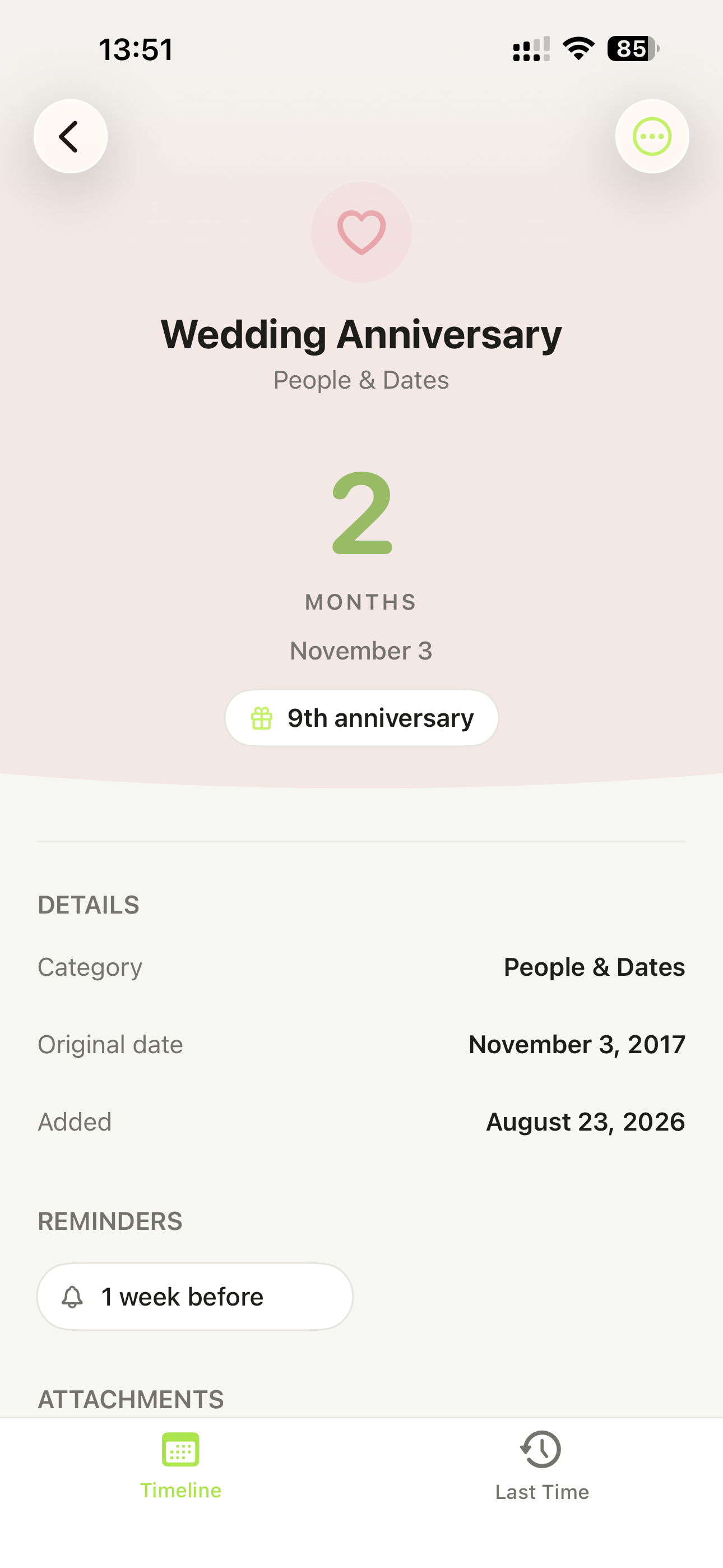
Countdowns, original dates, reminders, notes, and attachments live with the item.
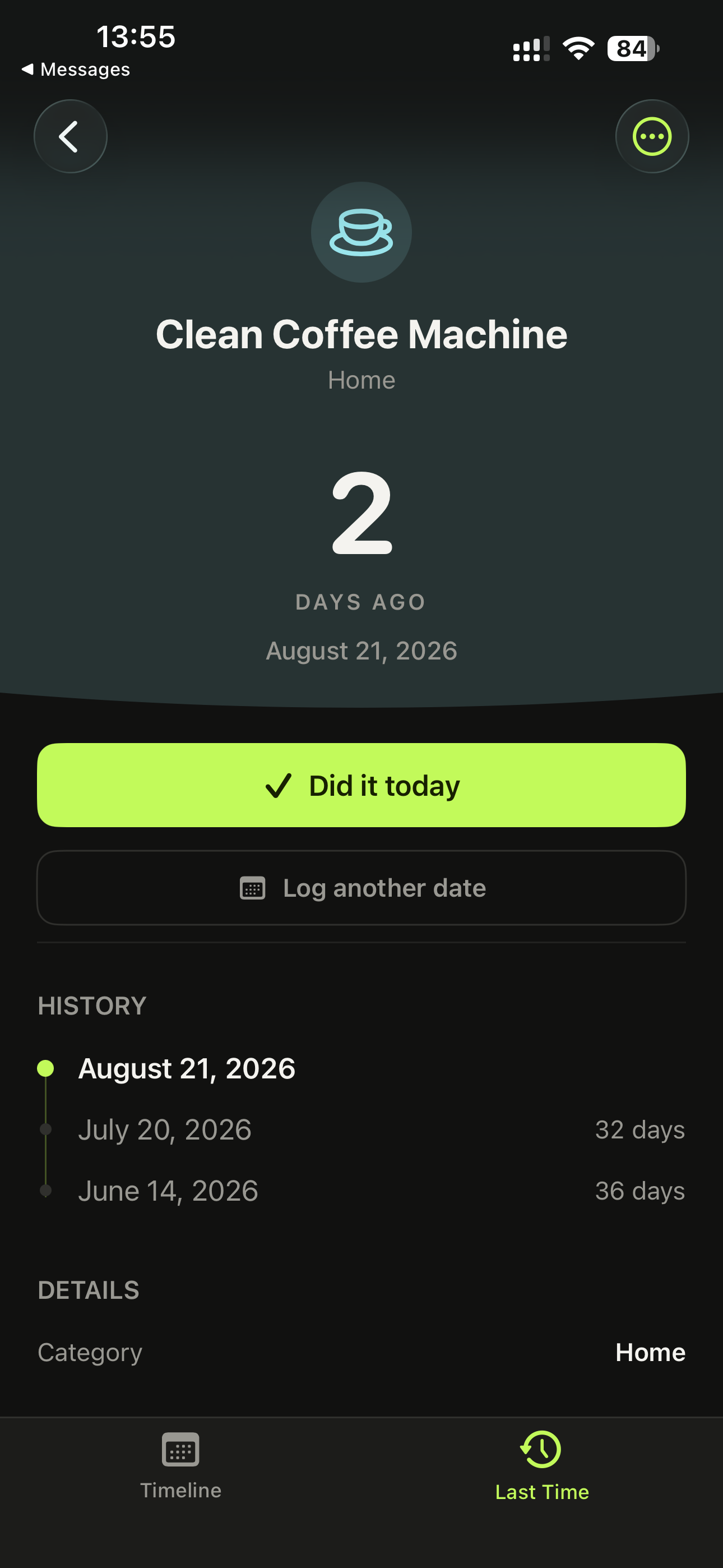
The darker interface keeps important actions and date context readable.
Built quietly
When is designed around personal dates, notes, reminders, and optional device features like widgets, notifications, and iCloud sync.
Read the Privacy PolicyWhen for iOS
The installed app is called When. The App Store listing name is When: Then & Next.